Use-cases
Features
Internal tools
Product
An AI agent that sees what users see & acts for them
Tandem reads the page, understands what the user wants, and does it: clicks buttons, fills forms, navigates, calls APIs. No predefined scripts. No decision trees. Just intent → action.
Works two ways
Help users right here, or guide them anywhere.
MODE 1
In-page Assistance
The agent sits on a specific page. It sees every element — forms, buttons, values, error states — and helps the user complete what's in front of them. No navigation required.
EXAMPLE: User is on billing settings
→ USER asks 'how do I add a team member?'
→ READING PAGE, CONTEXT DETECTED
→ POINT TO 'INVITE MEMBER' button
→ PREFILL ROLE AS 'VIEWER'
DONE. Team member invited.
MODE 2
Multi-page User Flows
The agent takes an open-ended request user request and plans a path across multiple pages and features. It figures out what needs to happen, in what order, and guides the user through every step.
EXAMPLE: New user says 'I want to set up invoicing'
→ agent plans: create company profile
→ add payment method
→ configure invoice template
→ send first invoice.
→ add payment method
Capacities under the hood
Context
What the agent sees
Context
What the agent sees
Page content
Reads every element (fields, buttons, values, error states) in real time.
Knowledge base
Your docs, FAQs, help articles. Referenced instantly, never hallucinated.
User history
What the user has done, said, and completed across sessions.
MCP / API data
Live data from your backend via MCP servers or direct API calls.
User data
Plan, role, segment — anything you pass via the script tag.
Actions
What the agent does
Actions
What the agent does
Use UI elements
Click buttons, fill inputs, toggle settings, validate fields.
Navigate to pages
Send users to the right page, suggest next steps, open flows.
Take action (MCP)
Call your APIs or MCP servers to create, update, or fetch data.
Point on-screen
Highlight elements visually to guide users in context.
Hand-off to team
Escalate with full context of what's been tried.
Universal compatibility
If your users interact with it, the agent can help.
Universal compatibility
If your users interact with it, the agent can help.
Forms & inputs
Forms & inputs
Configuration pages
Configuration pages
Dashboards & reports
Multi-step workflows
Settings & admin
Settings & admin
Onboarding flows
Onboarding flows
Billing & subscriptions
Any page your users touch
Forms & inputs
Configuration pages
Dashboards & reports
Multi-step workflows
Settings & admin
Onboarding flows
Billing & subscriptions
Any page your users touch
Results
Measured results from real deployments.
Results
Measured results from real deployments.
Activation lift
22%
"Tandem understood our interface out of the box — no IDs or CSS tags needed." — Paul Yi, Senior Software Engineer
Activation lift
20%
Instantly answer user questions in-context and deflect most support tickets before they reach your team.
Time-to-value
-40%
"Onboarding became a competitive advantage. Users actually thank us for the experience now." — Marie-Odile Carrus, Growth Lead
Activation lift
18%
Instantly answer user questions in-context and deflect most support tickets before they reach your team.
Feature adoption
2x
"Tandem has become essential to our product strategy." — Maxime Champoux, Head of Product
Analytics
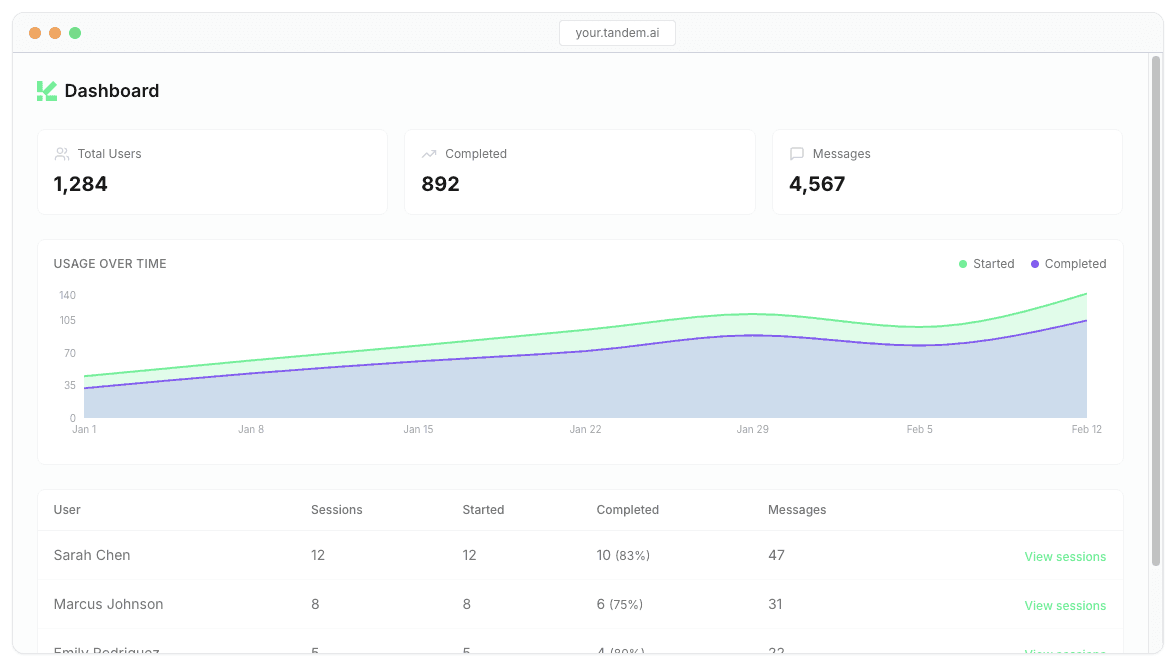
Monitor & understand your users
Analytics
Monitor & understand your users
Measure what matters
Track activation, completion, and time-to-value. Know which flows convert.
Capture what users actually ask
Monitor every session
Control every flow
Surface insights automatically

Measure what matters
Capture what users actually ask
Monitor every session
Control every flow
Surface insights automatically
How it works
Build and deploy in minutes
How it works
Build and deploy in minutes
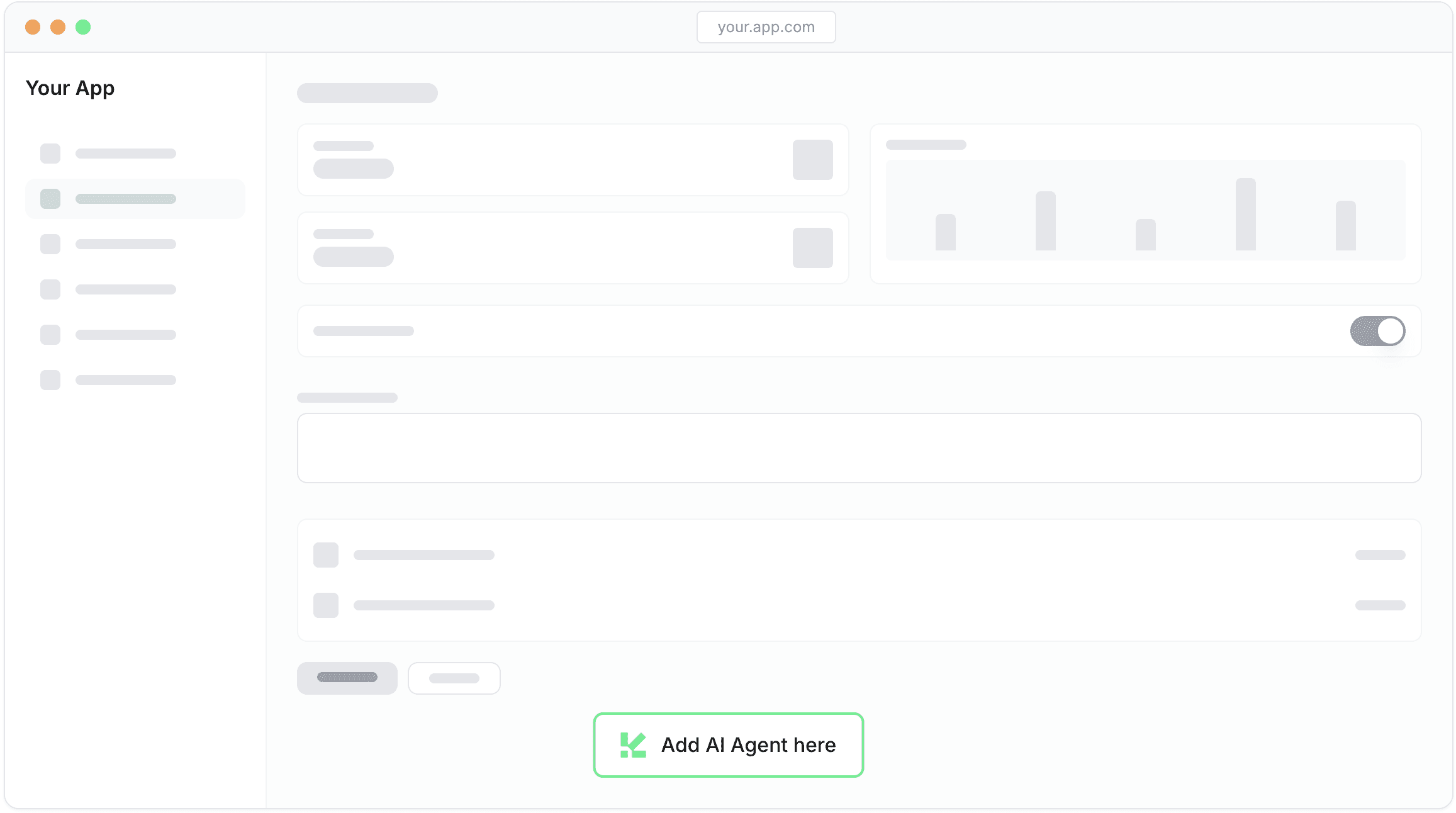
Add to any page
Navigate in your app to any page, and click to place an AI assistant there. That's it.
Set it up in minutes
Test, iterate & deploy
Single snippet install

Add to any page
Set it up in minutes
Test, iterate & deploy
Single snippet install